A learning experience powered by AlteredXR™
DREAM™: Digital Realms for Empowerment, Access & Mastery
Experience it. Practice it. Master it.
An immersive learning experience for practicing communication, social interaction, decision-making, independence, and everyday life skills inside safe, repeatable XR virtual worlds.
- Captions on every line
- Sign, point, type or speak
- No timers. No penalties.
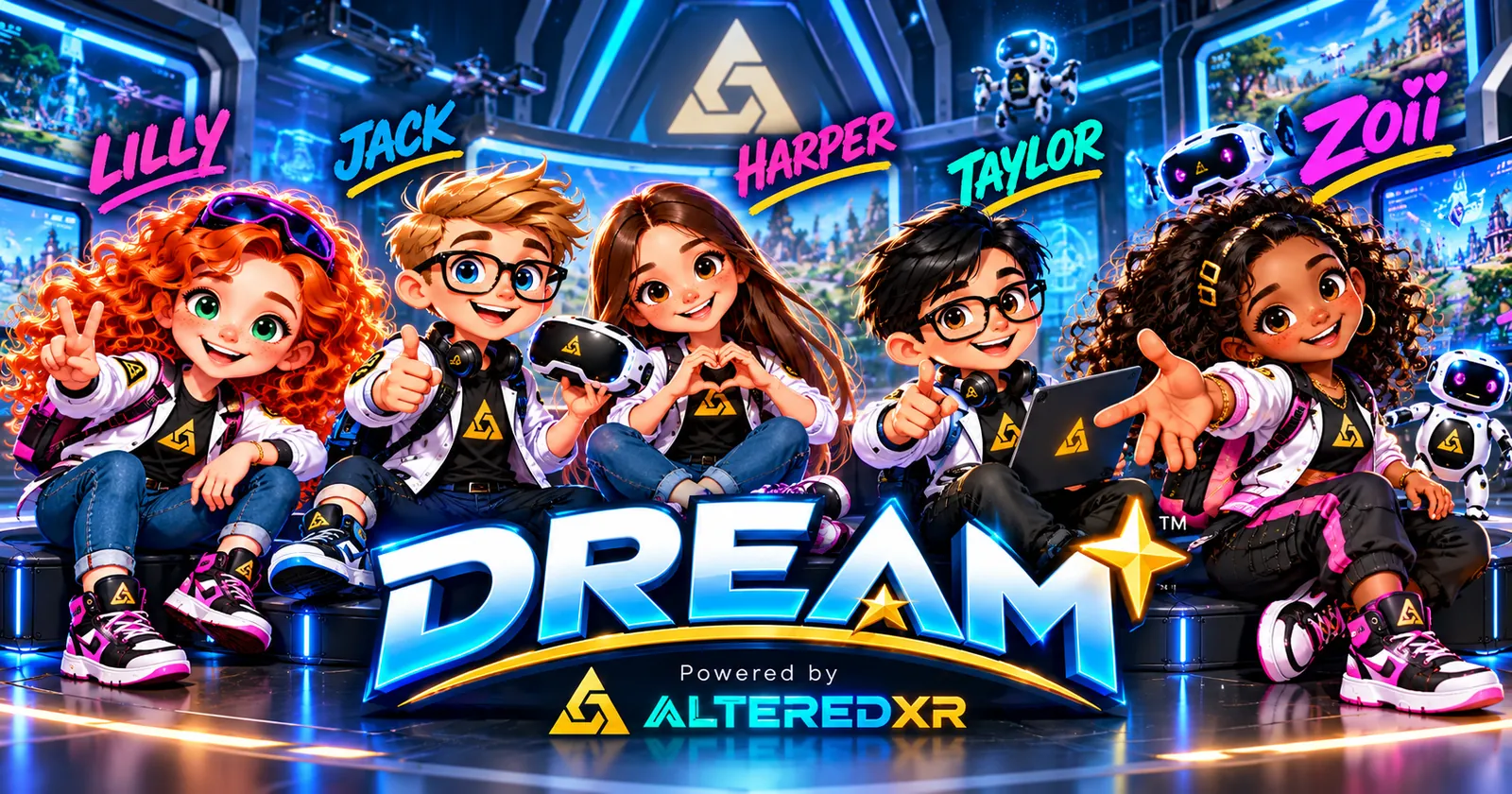
Core focusExperiencing real-life communication and building practical life skills through Extended Reality (XR) virtual worlds.
AlteredXR™
The platform. The XR technology that renders the virtual worlds, the guides and the interactions.
DREAM™
The learning experience. Lessons, real-life scenarios and practice loops that help children turn what they see into what they can say and do.
Lesson 1 · Underwater World
Watch the team share what they see
Zoii joins the team! Whale, shark, seahorse, sea turtle, octopus and dolphins, then it’s your turn. Each guide asks a teammate a clear question and passes the turn on. Captions are built into the picture and every line names its speaker.
1 minute 28 seconds · Five guides, six animals · Captions are built into the video · Information never depends on sound.
Lesson script
Select a line to watch that moment.
What children learn
One sentence, three animals, three facts
The same sentence, I see a ______., comes back with every animal. One teammate names the animal and another adds one fact you can see.
-
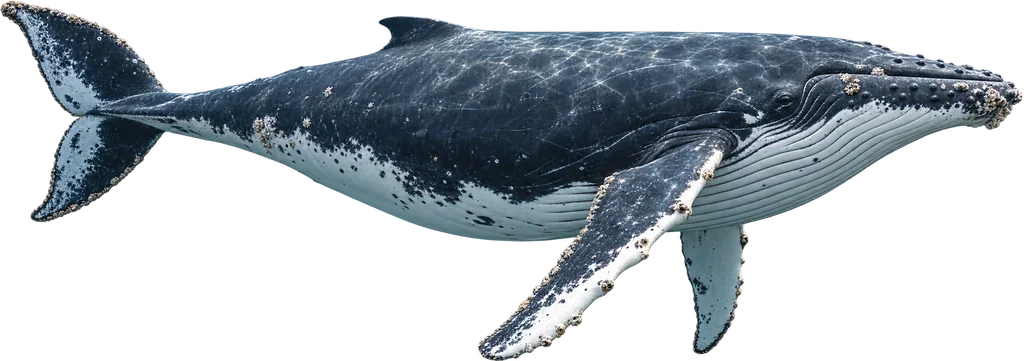
1 · Whale
It comes to the surface to breathe air.
Lilly asks Jack · Jack names it · Harper adds the fact
Whales are mammals. They swim up and breathe through a blowhole on top of the head, and the spout of air and water shows where they breathed out.
Whale · Breathes air
-
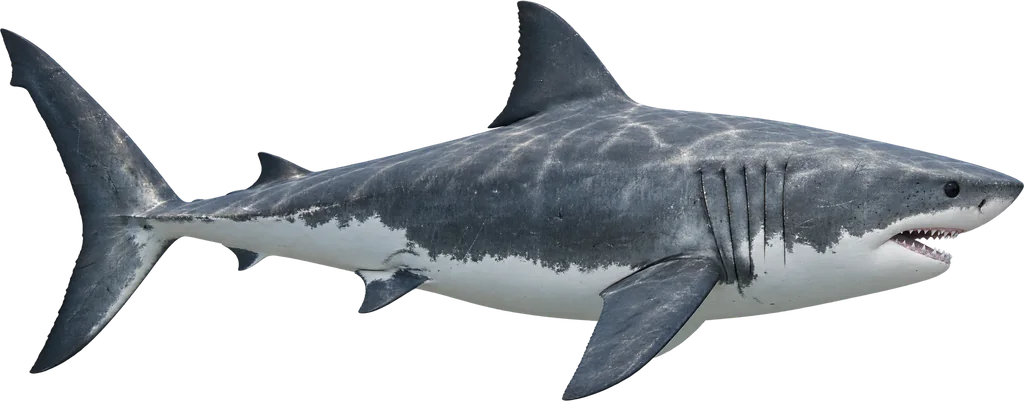
2 · Shark
Sharks have rows of teeth.
Jack asks Harper · Harper names it · Taylor adds the fact
Sharks are fish. They grow several rows of teeth, and new teeth move forward to replace old ones. We show the shark calmly, at a comfortable distance, with no jump scares.
Shark · Rows of teeth
-
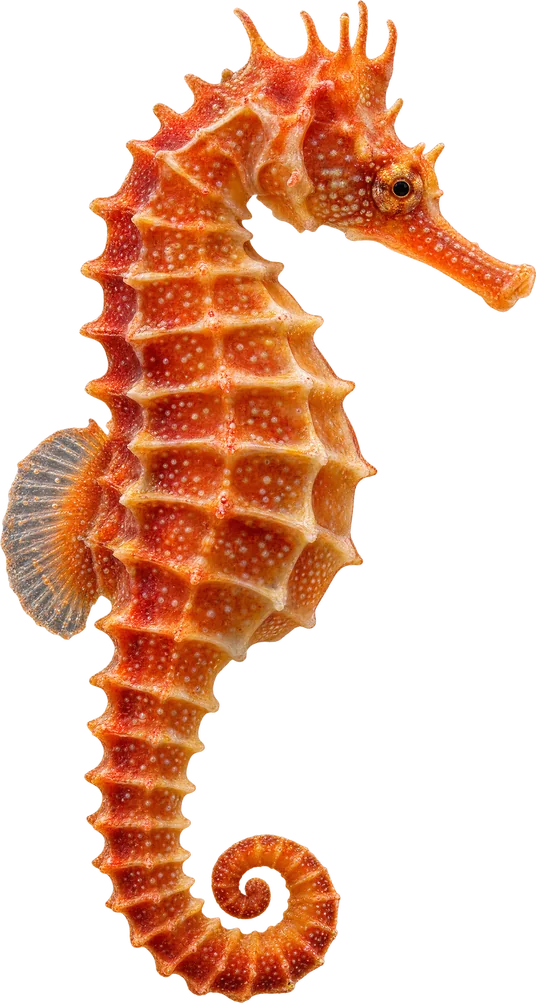
3 · Seahorse
It blends in with the coral to hide.
Taylor asks Lilly · Lilly names it · Jack adds the fact
Seahorses are small fish whose colour and shape match their surroundings. That is camouflage. Children look closely first, and the outline only lights up after someone finds it.
Seahorse · Blends in
In the game: three more friends to find and describe.
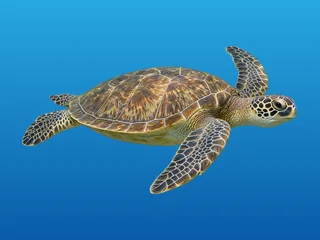 Sea turtle has a hard shell
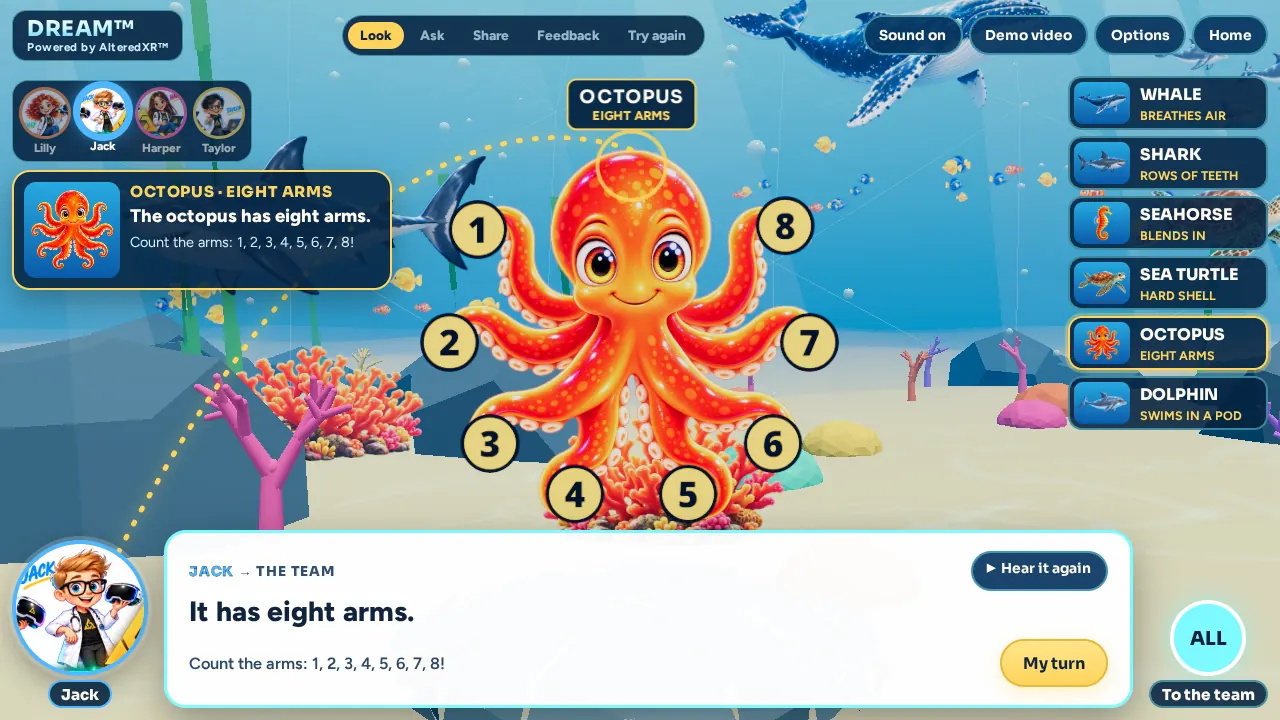
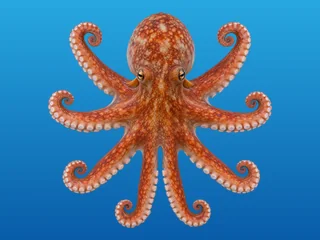 Octopus has eight arms
 Dolphins swim in a pod
The DREAM Team
Five guides. You choose who comes with you.
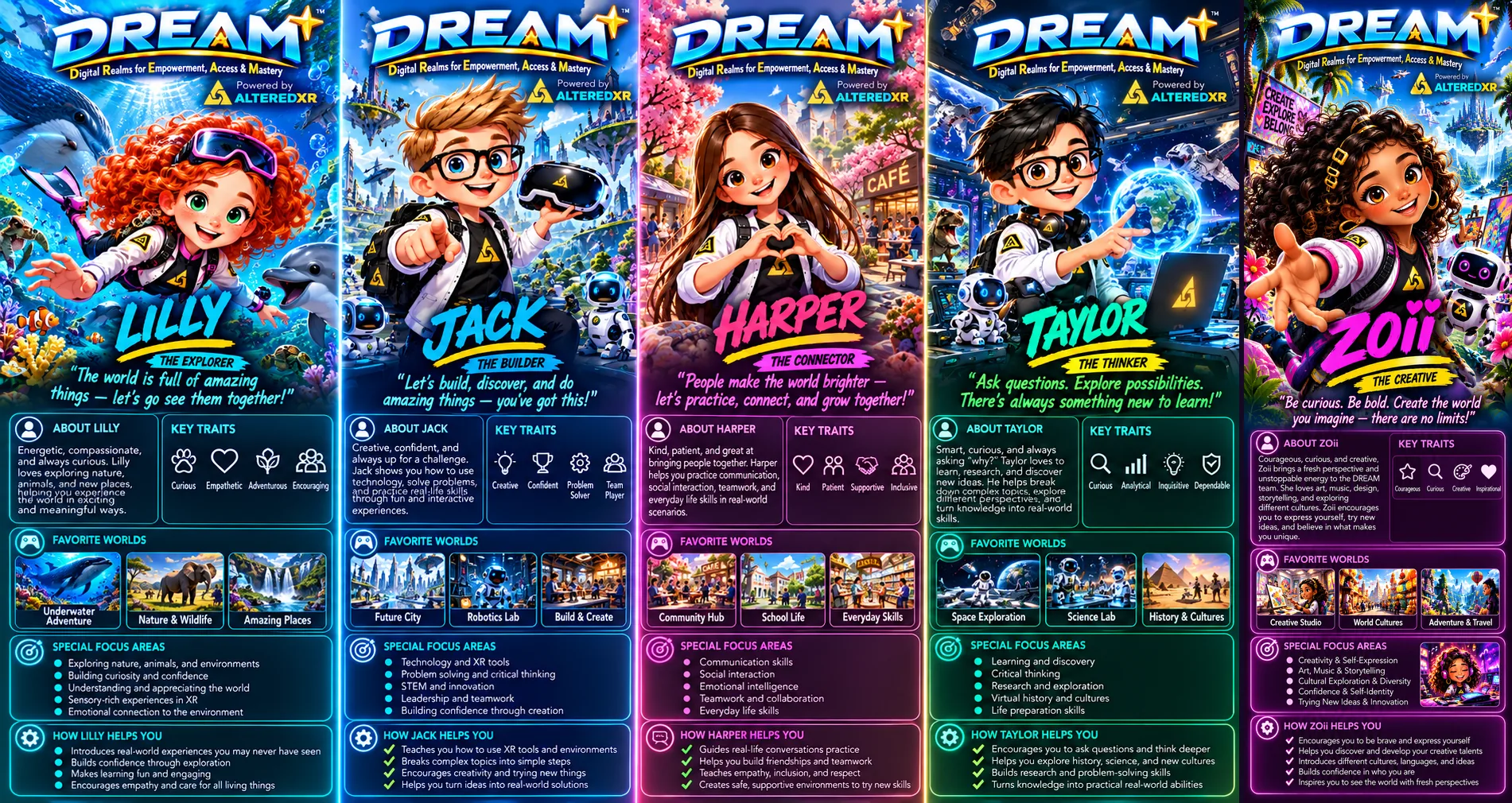
Tap a guide to see and hear them say hi, or press Talk, Point or Clap to see how they communicate. Every word is also shown in the speech bubble. Lilly, Jack, Harper, Taylor and Zoii are learner-selectable avatars who go with children through every real-world scenario. They look at each other, point, ask and take turns, so children see a whole conversation and not just a voice.
-
Lilly The Explorer
Curly red hair
- Curious
- Empathetic
- Adventurous
- Encouraging
Opens the lesson and gives the final feedback. “You showed me a whale. Nice sharing!”
-
Jack The Builder
Blond hair, glasses
- Creative
- Confident
- Problem solver
- Team player
Spots the whale first, then hands the turn to Harper. “Harper, what do you see?”
-
Harper The Connector
Long brown hair
- Kind
- Patient
- Supportive
- Inclusive
Explains why the whale surfaces and invites the viewer in. “Your turn. What do you see?”
-
Taylor The Thinker
Black hair, glasses
- Curious
- Analytical
- Inquisitive
- Dependable
Points out the shark’s teeth, then shows that a point counts as an answer, with no words needed.
-
Zoii The Creative
Long dark curly hair
- Courageous
- Curious
- Creative
- Inclusive
Joins every animal in the game: she shares facts, asks “What do you see?” and claps for every answer you share.
How practice works
Look. Ask. Share. Then try it again, your way.
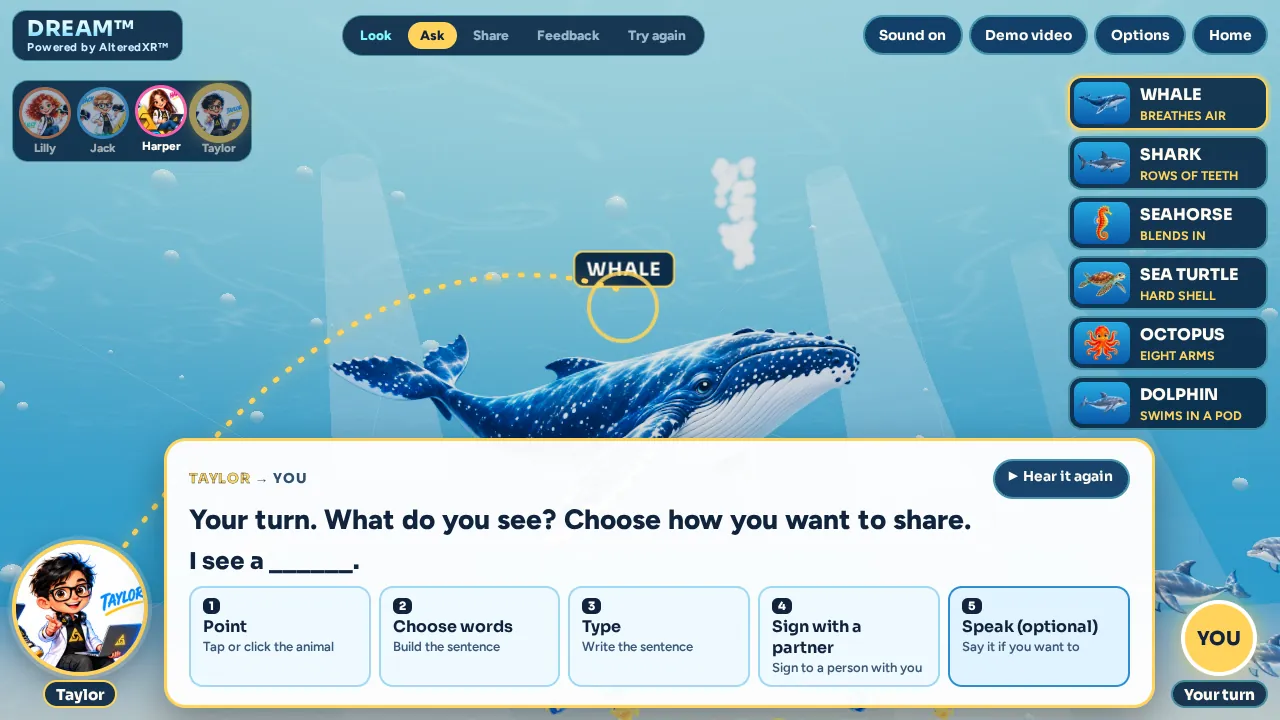
The film shows the conversation. In DREAM, each animal becomes a choice you can repeat, never a timed test.
- 1
Look
Explore the underwater world and choose an animal.
- 2
Ask
A guide looks at you and asks: “What do you see?”
- 3
Share
Answer the way that works for you. I see a ______. is there to help, not required.
- 4
Feedback
A guide names exactly what you shared: “You showed me a whale.” Then you learn one fact.
- 5
Try again
Replay, pick another animal or try a different way to share. Nothing is ever taken away.
Every way of sharing counts
- SignSign to a person who is with you, such as a teacher, parent or friend. Then choose Continue.
- PointTap, click or point at the animal. A point is a real answer.
- TypeType or choose the words to build “I see a whale.”
- SpeakSay it out loud if you want to. Speaking is never required.
Our promise: DREAM does not read or grade sign language, and it never asks a child to speak. When a child signs, a real person sees it and responds. Taylor’s pointed answer in the film is a model of the exchange, not automatic recognition.
How DREAM fits together
From platform to mastery
Each layer builds on the one before it, from the technology all the way to a skill the child owns.
- AlteredXR™The XR platform that powers every world
- DREAM™The learning experience and its lessons
- DREAM TeamLilly, Jack, Harper, Taylor and Zoii guide the way
- Virtual WorldsSafe, repeatable places, starting under the sea
- Real-Life ScenariosNoticing, asking, sharing and choosing
- PracticeAs many turns as a child wants, in their own way
- FeedbackSpecific, kind and visual
- MasterySkills that carry into real conversations
Try it now · Free in your browser
DREAM™: Underwater World
The interactive companion to the lesson. Meet six sea animals with the DREAM Team, answer “What do you see?” your way, and get kind, specific feedback. The guides speak and every word is captioned.
- No account, no download
- No timers, scores or penalties
- Works fully with sound off
- Touch, mouse and keyboard
For educators and families
Designed Deaf-first, from the first frame
These rules shape every DREAM scene, and we will keep checking them with Deaf children, families and educators.
Silent-first
Captions name every speaker and every sound that carries meaning. Animal names, facts, the sentence frame and feedback are always on screen.
Faces and hands stay clear
Captions never cover a face, a gesture, an animal’s key feature or signing space. Each fact stays on screen long enough to read without hurrying.
ASL with integrity
A natural point is real communication, but it is not an ASL lesson. Any signed content will be made and reviewed by fluent Deaf ASL performers or consultants, not generated gestures.
The learner decides
Speaking is never ranked above signing, pointing or typing. Progress reflects taking turns and sharing what you notice, not how well you speak.
One continuous world
Whale, shark and seahorse share one reef. Guides pass the turn by looking and pointing, so children can follow who is talking.
Unhurried timing
If signing needs more time, we cut decoration and keep the pace of the language. Final timing is checked with Deaf children and educators.
See the shot-by-shot lesson design
| Beat | What happens on screen | Line or caption | On-screen text | What the child learns |
|---|---|---|---|---|
| 1 | The four guides share the frame inside the underwater classroom. A whale, a shark and the coral reef form one world. | Lilly: “Welcome to DREAM’s underwater world.” | EXPLORE • NOTICE • SHARE | The scene is safe to explore, and everything is shown visually. |
| 2 | Lilly turns to Jack and points at the whale. Both faces and hands stay visible. | Lilly: “Jack, what do you see?” | WHALE | Get a partner’s visual attention and ask a clear question. |
| 3 | Jack points at the whale, then looks back at Lilly. His answer appears in a bubble. | Jack: “I see a whale.” | I SEE A WHALE. | A reusable sentence for sharing what you see. |
| 4 | Harper joins the shot. The whale surfaces and breathes out through its blowhole. | Harper: “It comes to the surface to breathe air.” | WHALE • BREATHES AIR | Add one fact you can see. |
| 5 | Jack points to a shark gliding in the background and hands the turn to Harper. | Jack: “Harper, what do you see?” | SHARK | Pass the turn to someone else. |
| 6 | Harper points at the shark, which stays at a comfortable distance. | Harper: “I see a shark.” | I SEE A SHARK. | Use the same sentence with a new animal. |
| 7 | Taylor joins and points to a calm, clear view of the shark’s mouth. | Taylor: “Sharks have rows of teeth.” | SHARK • ROWS OF TEETH | A teammate adds a fact without breaking the conversation. |
| 8 | Taylor notices a small shape in the coral and gestures for Lilly to look. | Taylor: “Lilly, what do you see?” | LOOK CLOSELY | Ask for help noticing something small. |
| 9 | Lilly finds the seahorse and points. Its outline lights up only after she finds it. | Lilly: “I see a seahorse.” | I SEE A SEAHORSE. | Use the sentence a third time. |
| 10 | Jack stands beside Lilly. The seahorse stays hard to see against the coral. | Jack: “It blends in with the coral to hide.” | SEAHORSE • BLENDS IN | Learn what camouflage means from what you can see. |
| 11 | Harper faces the viewer. Animal choices and the ways to share appear, and the camera holds still for reading. | Harper: “Your turn. What do you see?” | I SEE A ______. · SIGN · POINT · TYPE · SPEAK | Choose how to share; speaking is never required. |
| 12 | Taylor points to the whale and a bubble reads “I see a whale.” This is a demonstration, not automatic recognition. | No spoken line | TAYLOR’S CHOICE: WHALE | A point is a real answer, and the sentence frame shows how to say more. |
| 13 | Lilly faces Taylor, acknowledges the point, then gestures to the viewer. | Lilly: “You showed me a whale. Nice sharing!” | NOW YOU TRY • CHOOSE AN ANIMAL | Specific, kind feedback and an invitation to try. |
Lilly Now you try. Choose an animal.